Self-guided tour
Take LawnsPools for a spin. No signup, no salesperson.
The button below drops you into a real LawnsPools account — a fictional Tampa lawn & pool crew with customers, routes, invoices, and text threads already in it. Click anything. It resets itself every night.
Works on your phone too — most of your crew will use it there.
-
Stop 1 of 7
Meet Sunrise Lawn & Pool Care
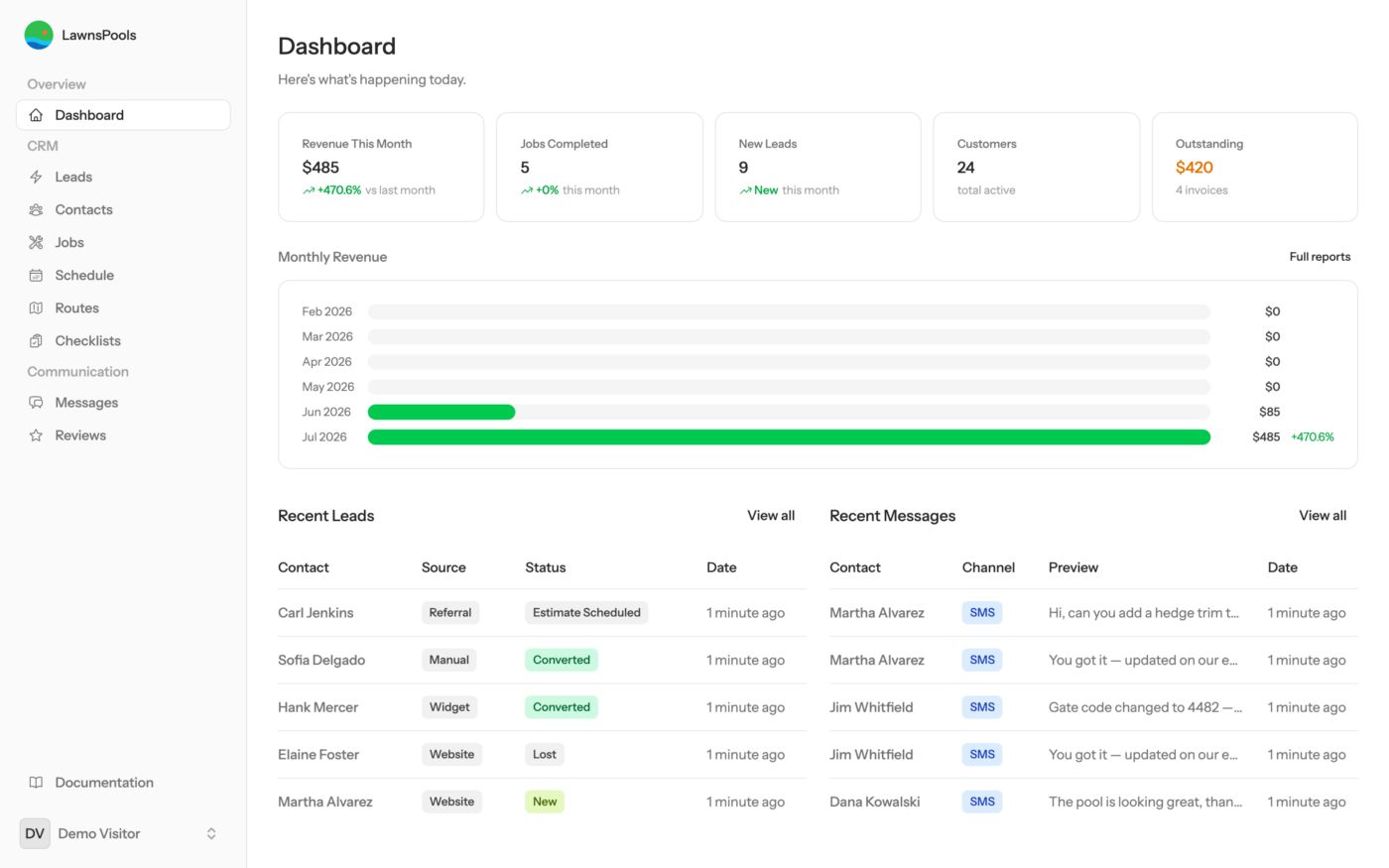
You're looking at the dashboard of a fictional Tampa crew — 24 customers, a week of scheduled work, and real money moving. Revenue, jobs completed, new leads, and outstanding invoices, all in one glance before the first coffee.
Try it: Click any tile — each one jumps straight to the list behind the number.
-
Stop 2 of 7
Every lead in one pipeline
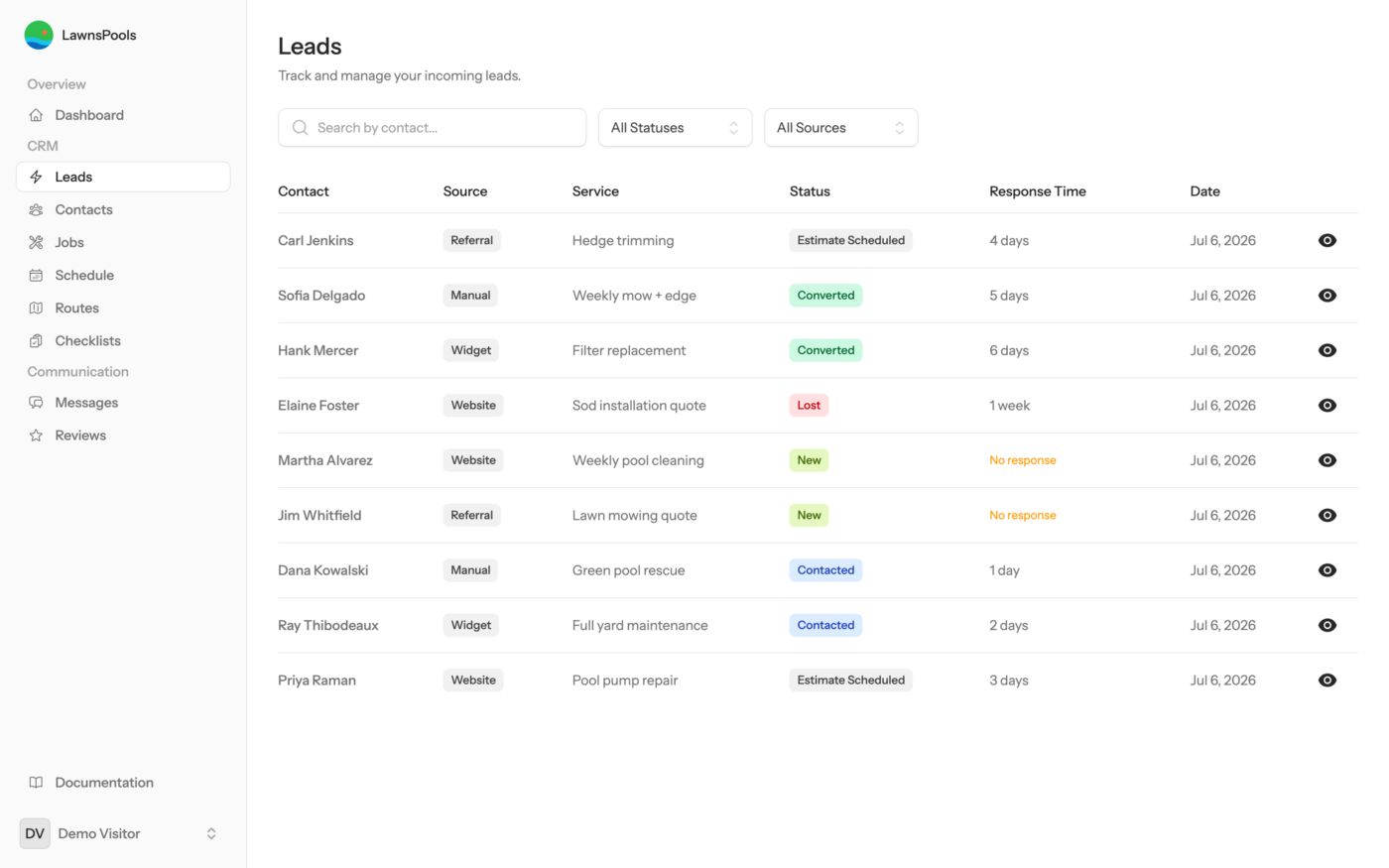
Website forms, referrals, and phone inquiries land here with a status you can see: new, contacted, estimate scheduled, converted. The website widget can even quote instantly — the visitor picks a property size, sees the price range, and shows up here with the quote attached. No more sticky notes on the dash of the truck.
Try it: Open Carl Jenkins' lead and walk it through a status change.
-
Stop 3 of 7
The week, on one calendar
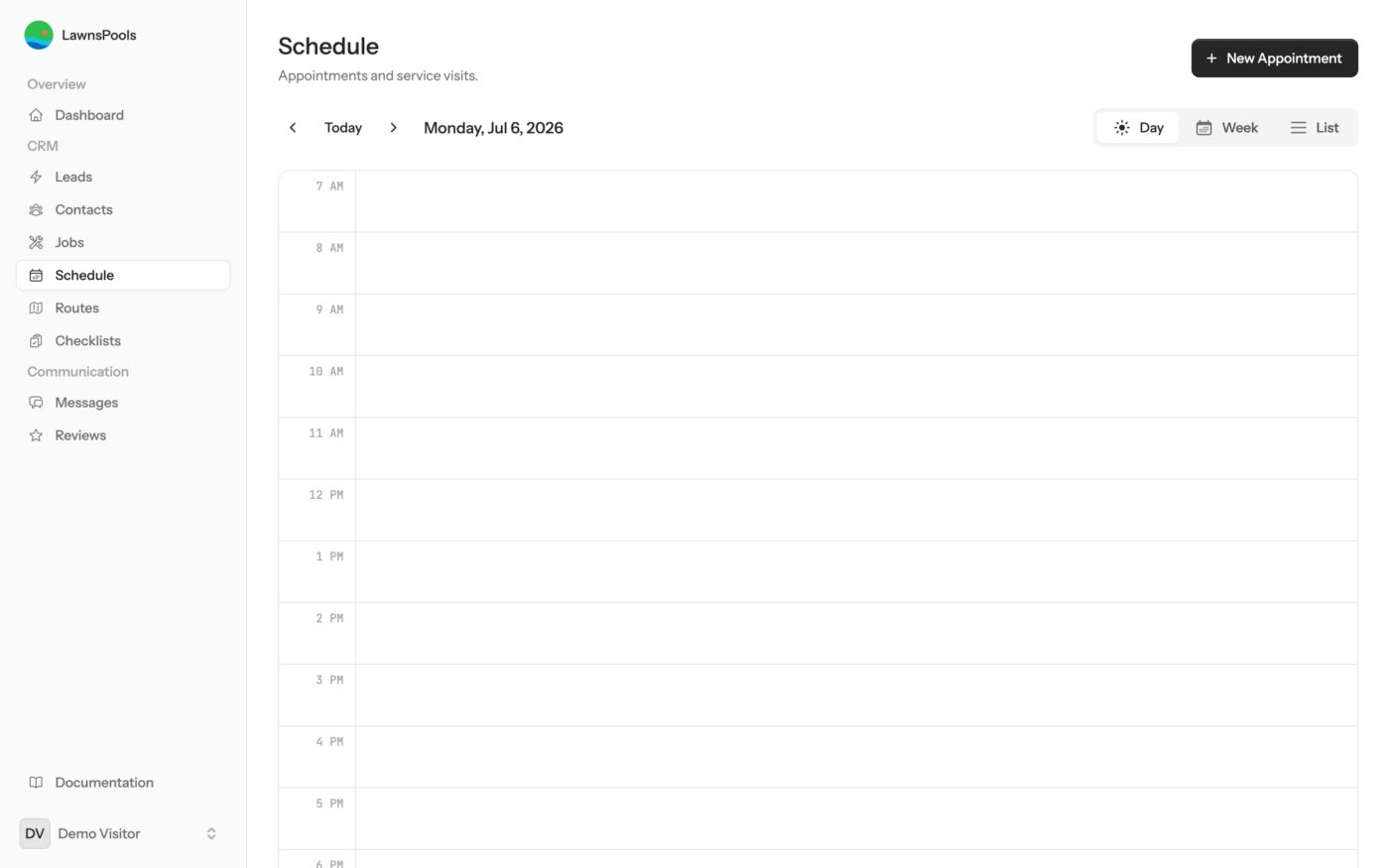
Every visit for every crew member, laid out across the week. Rescheduling is drag-and-drop — and the customer gets notified automatically.
Try it: Drag an appointment to a different day and watch it stick.
-
Stop 4 of 7
Today's route, in drive order
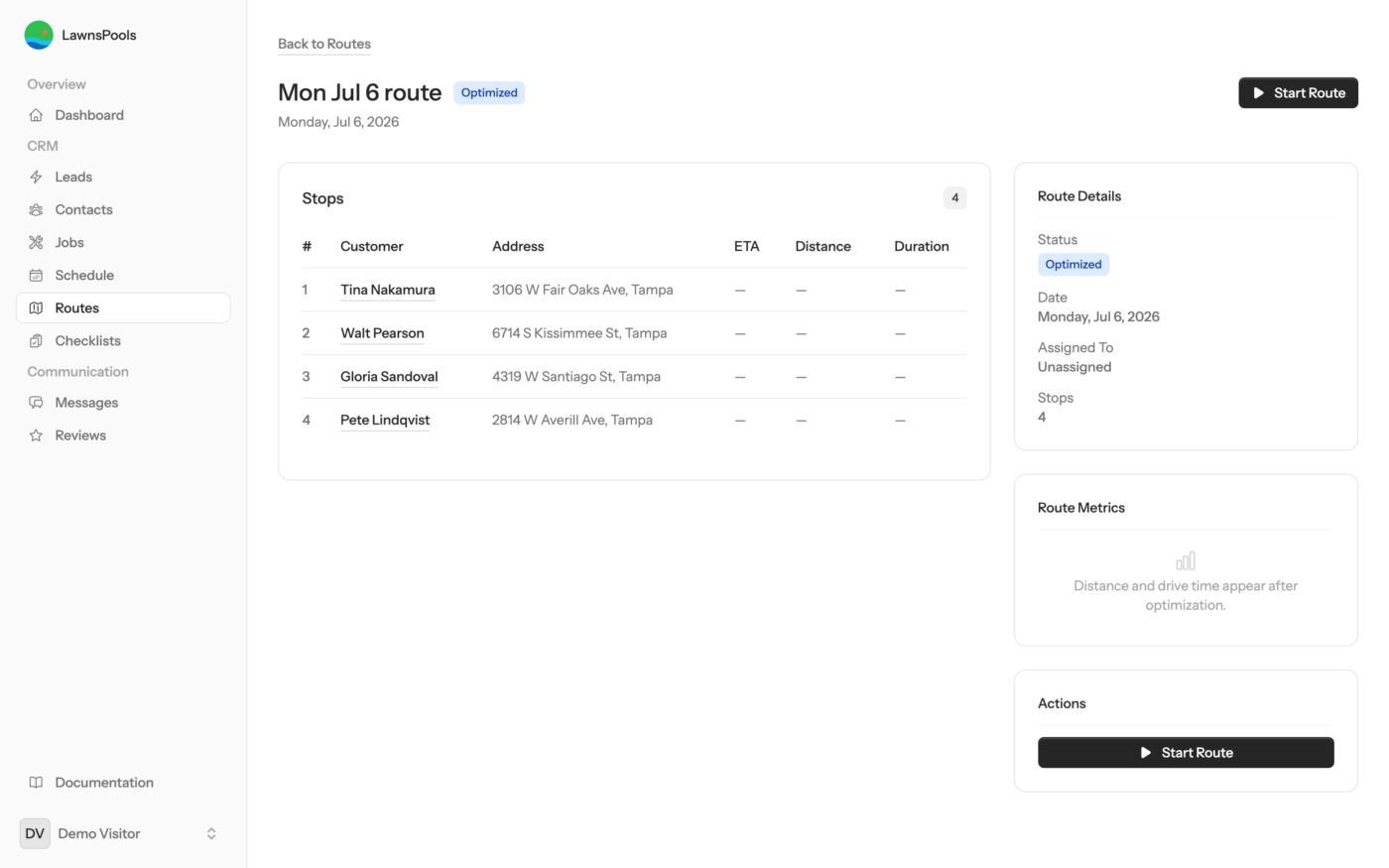
Monday's stops sorted for the shortest drive. Drag stops to reorder them, or let the optimizer do it — it uses live traffic data to save fuel and windshield time.
Try it: Drag a stop to a new position, then hit “Start Route” to see the crew's view.
-
Stop 5 of 7
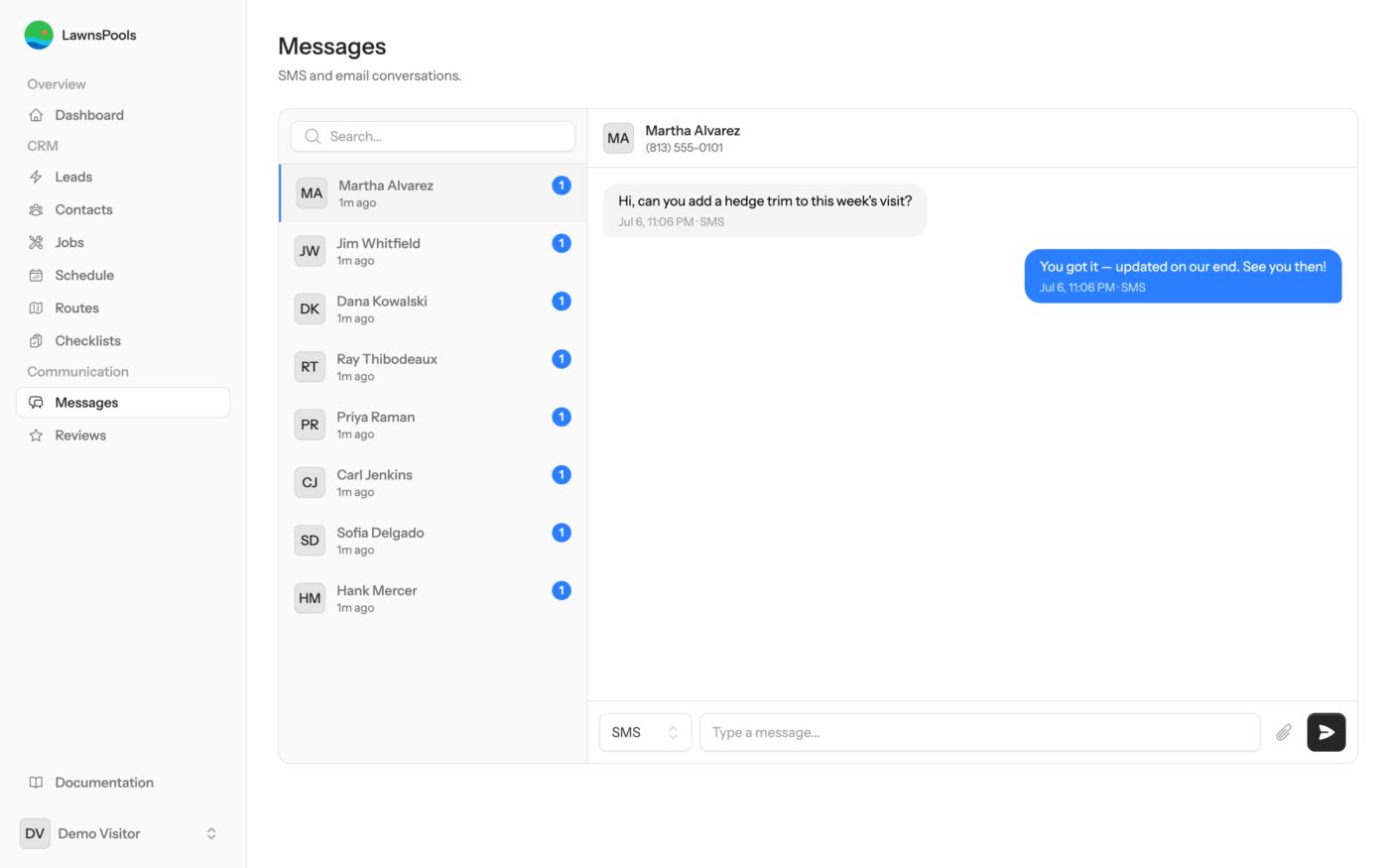
Texts land in the inbox, not your pocket
Gate codes, reschedules, thank-yous — two-way SMS with every customer, tied to their record so the whole crew has context.
Try it: Reply to Martha. (Relax — the demo never sends real texts or emails.)
-
Stop 6 of 7
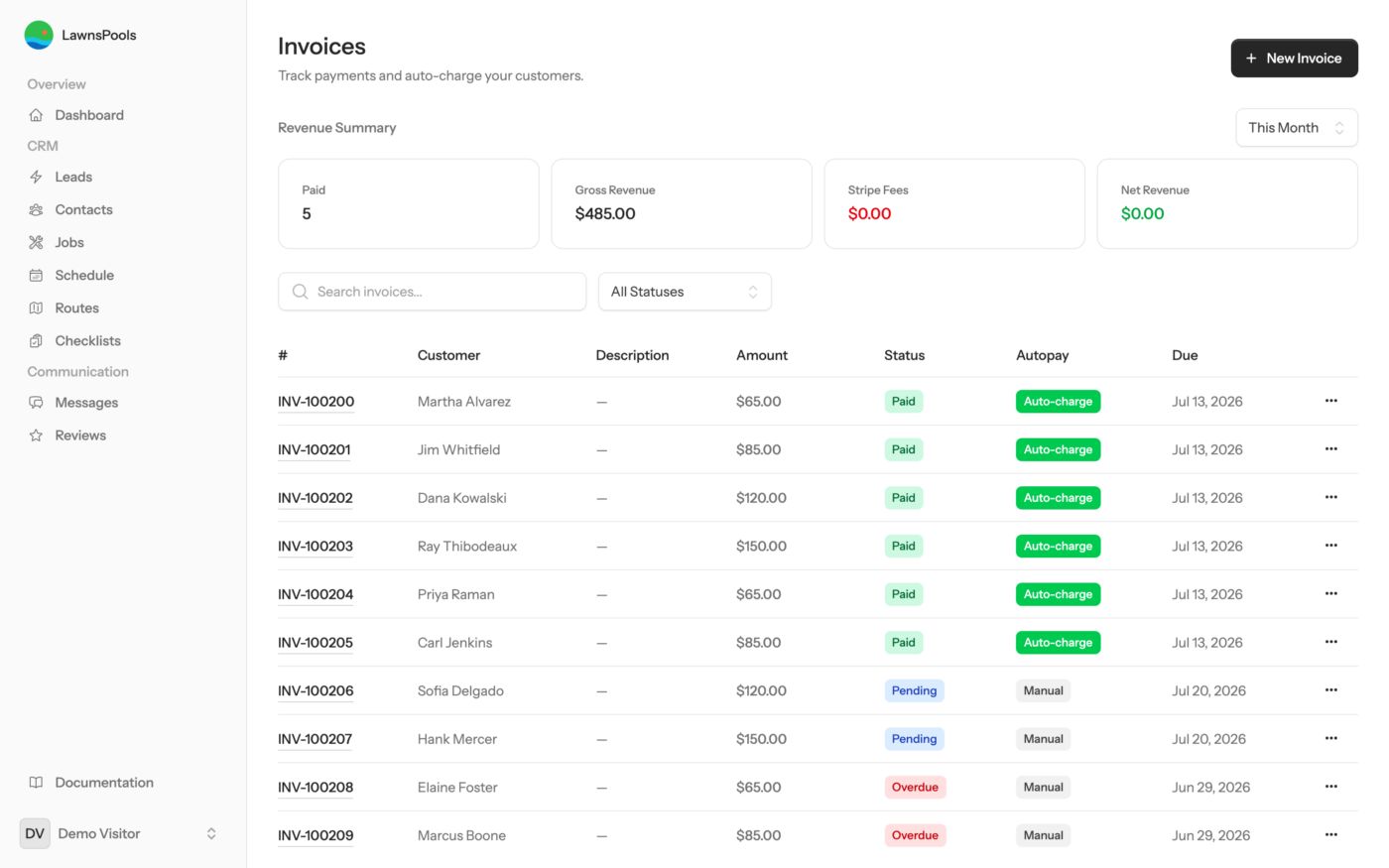
Invoices that chase themselves
Paid, pending, and overdue at a glance. Customers pay by card or bank transfer through a branded checkout link — no account, no app, no “the check is in the mail.”
Try it: Open the overdue invoice and look at the reminder options.
-
Stop 7 of 7
Proof on every visit — numbers included
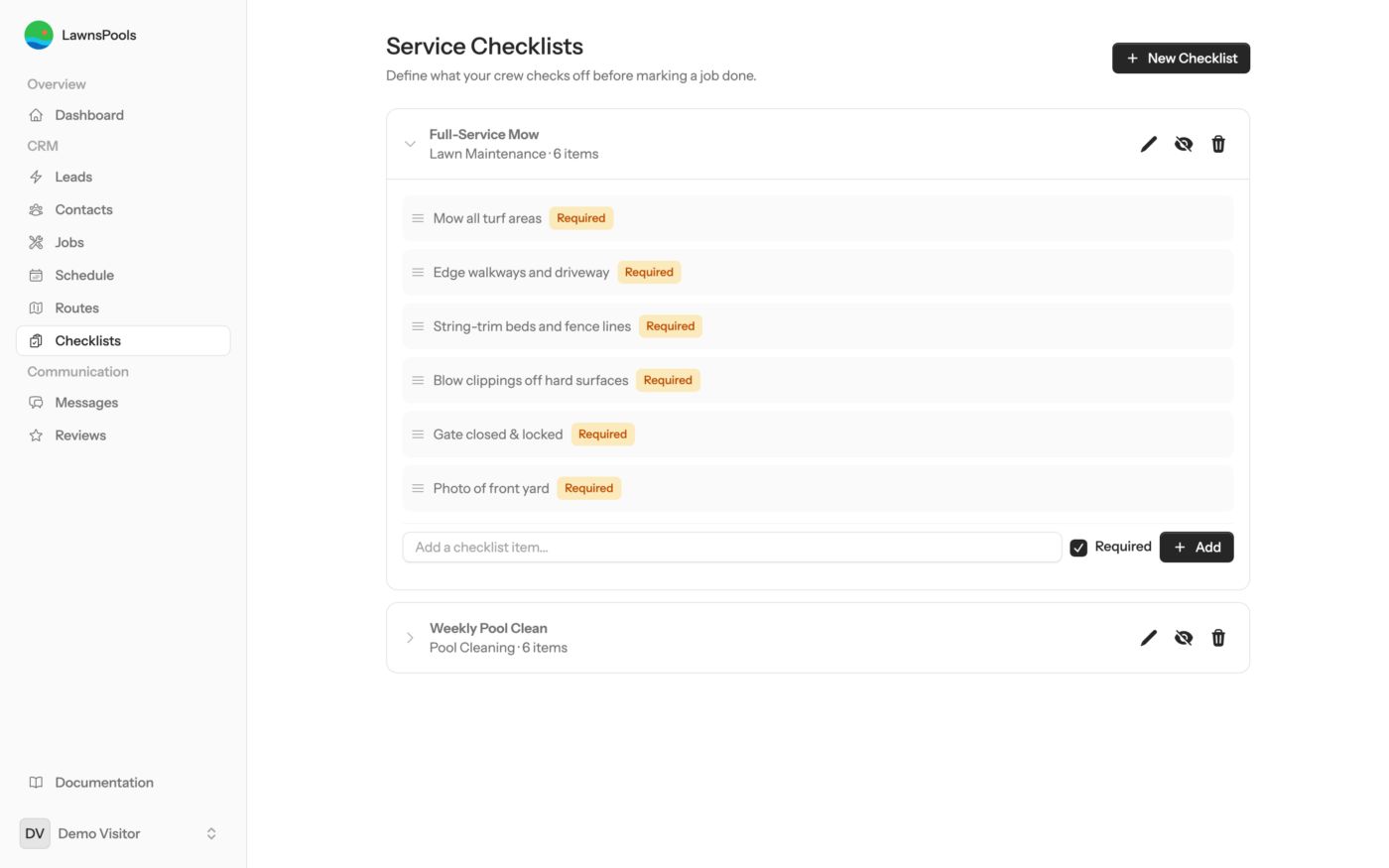
Crews run a checklist on each stop — skim, brush, vacuum, photo — and log chemistry as real numbers: chlorine, pH, salt, each with an acceptable range. An out-of-range reading flags the office automatically, and the customer's emailed service report shows the actual values. The “did you actually come out?” calls stop.
Try it: Expand the Weekly Pool Clean checklist to see what the crew sees.
Playground rules
The demo account is shared and wipes clean every night, so break whatever you like. It can't send real texts or emails, and there's no billing hooked up — it's a sandbox, not a live wire.